
SenseCap T1000E: The Ultimate Meshtastic Portable Tracker!
Published by Vivian van Zyl in Meshtastic the 02/03/2025 at 06:17 pm

Welcome to the world of Meshtastic with the SenseCap T1000E! This incredible device combines advanced technology with practical features to deliver a seamless tracking experience. Whether you're an IoT enthusiast, a hiker, or someone who loves innovative gadgets, this portable tracker is designed for you. Let's dive deep into its features, setup, and everything else you need to know!
Table of Contents
- Unboxing and Overview
- Waterproof Features
- Battery Life and Charging
- Temperature and Lux Sensors
- Setting Up Environmental Metrics
- Heartbeat LED Indicator
- GPS Navigation System
- Tracking Capabilities
- Node Information Overview
- PWM Speaker and Custom Notifications
- Practical Usage Tips
- Conclusion
- FAQs
Unboxing and Overview
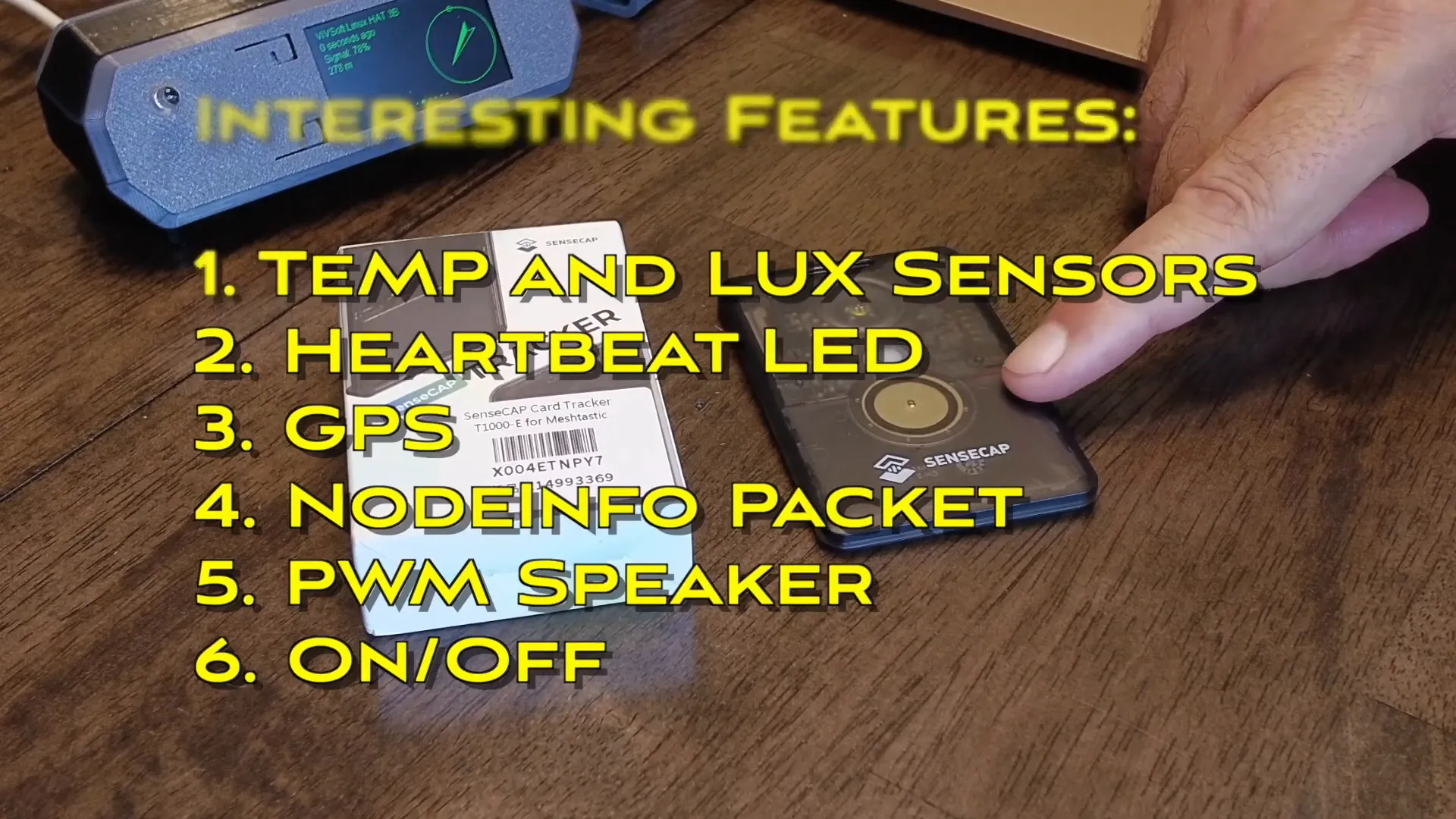
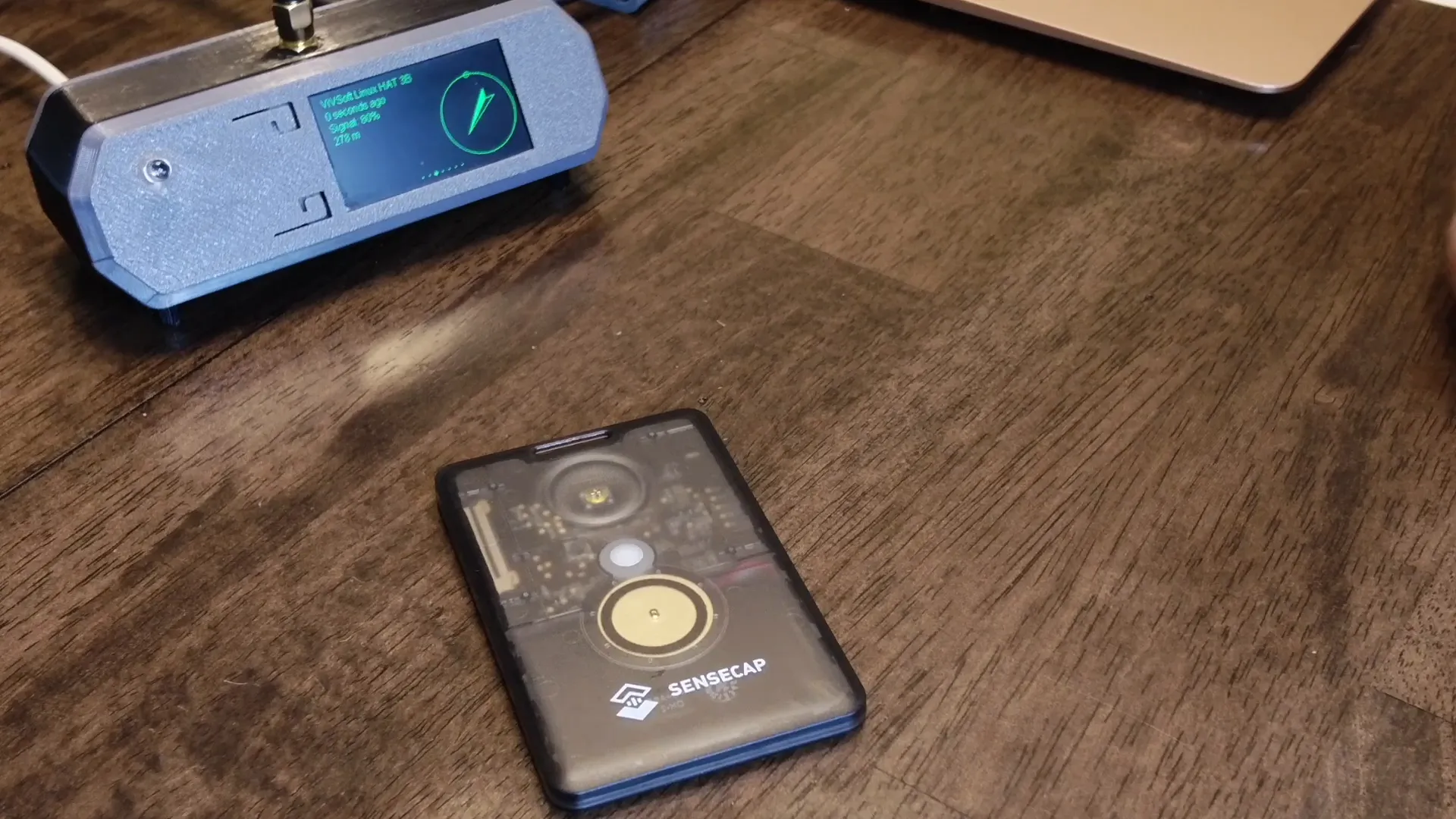
The SenseCap T1000E comes in a neat little box, making it an exciting unboxing experience. This compact device is a wearable Meshtastic node that packs a punch with its features. The construction is solid and feels durable, which is essential for a portable device.
Waterproof Features
One of the standout features of the SenseCap T1000E is its waterproof capabilities. It is rated IP65, meaning it can withstand rain and sweat but isn't meant for diving. This makes it perfect for outdoor activities where moisture could be a concern.
Battery Life and Charging
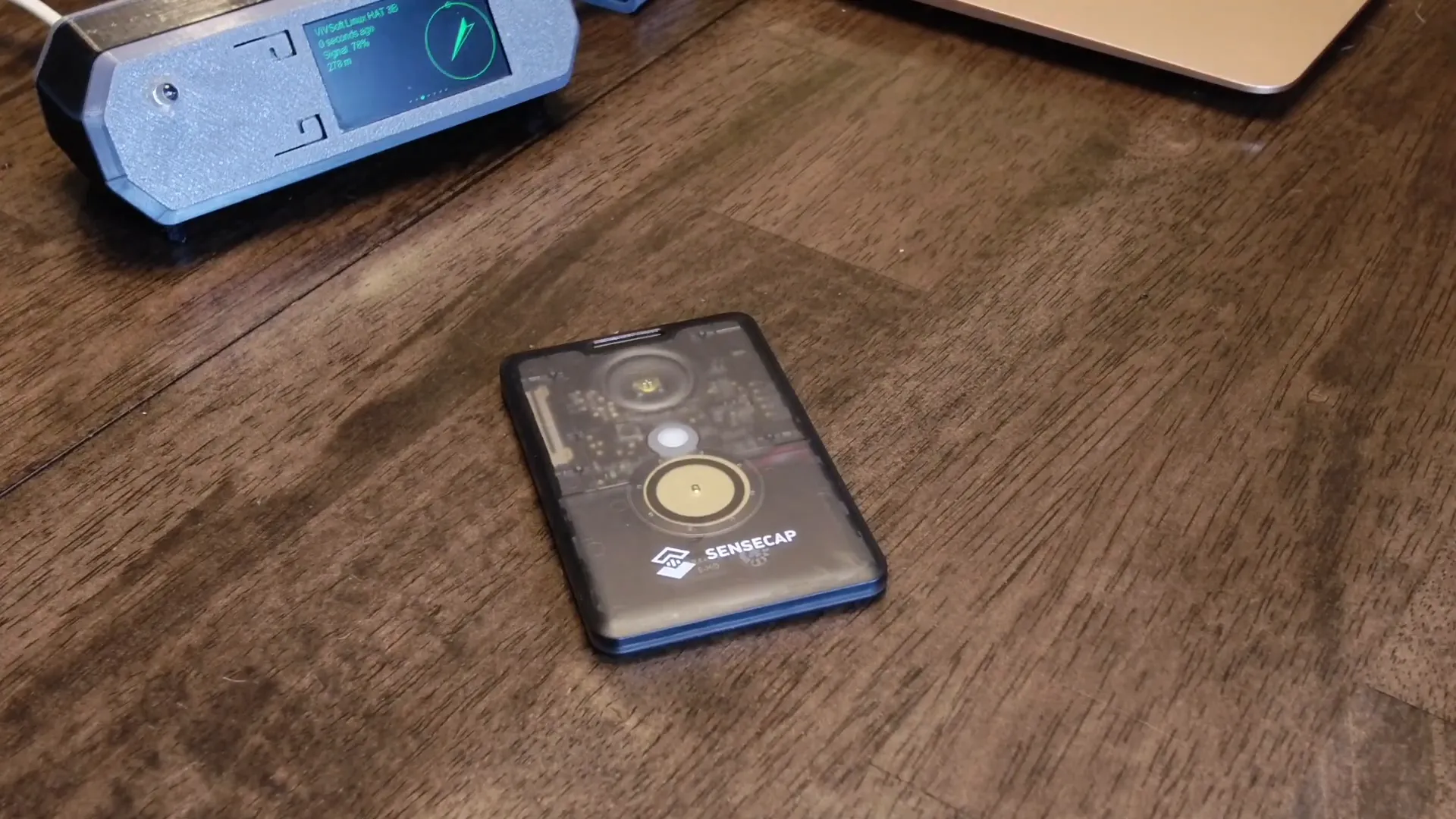
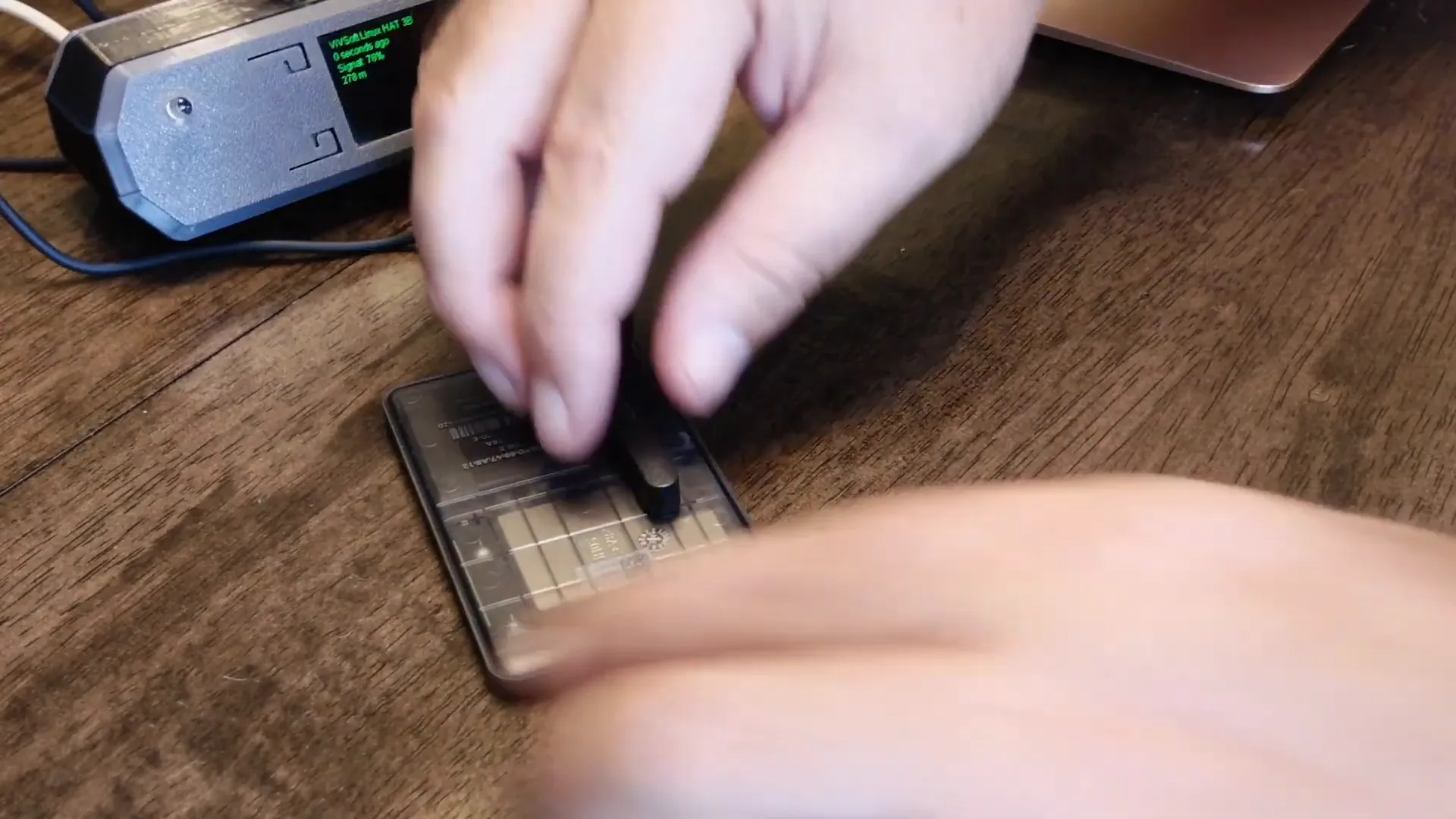
Battery life is crucial for any portable device, and the SenseCap T1000E does not disappoint, lasting about two days on a full charge. The device features a convenient magnetic charging connector, allowing for easy and secure charging.
Temperature and Lux Sensors
The SenseCap T1000E is equipped with a temperature sensor and a lux sensor, providing real-time environmental data. You can easily check the temperature directly through the app. This feature is particularly useful for outdoor activities where monitoring environmental conditions is important.
Setting Up Environmental Metrics
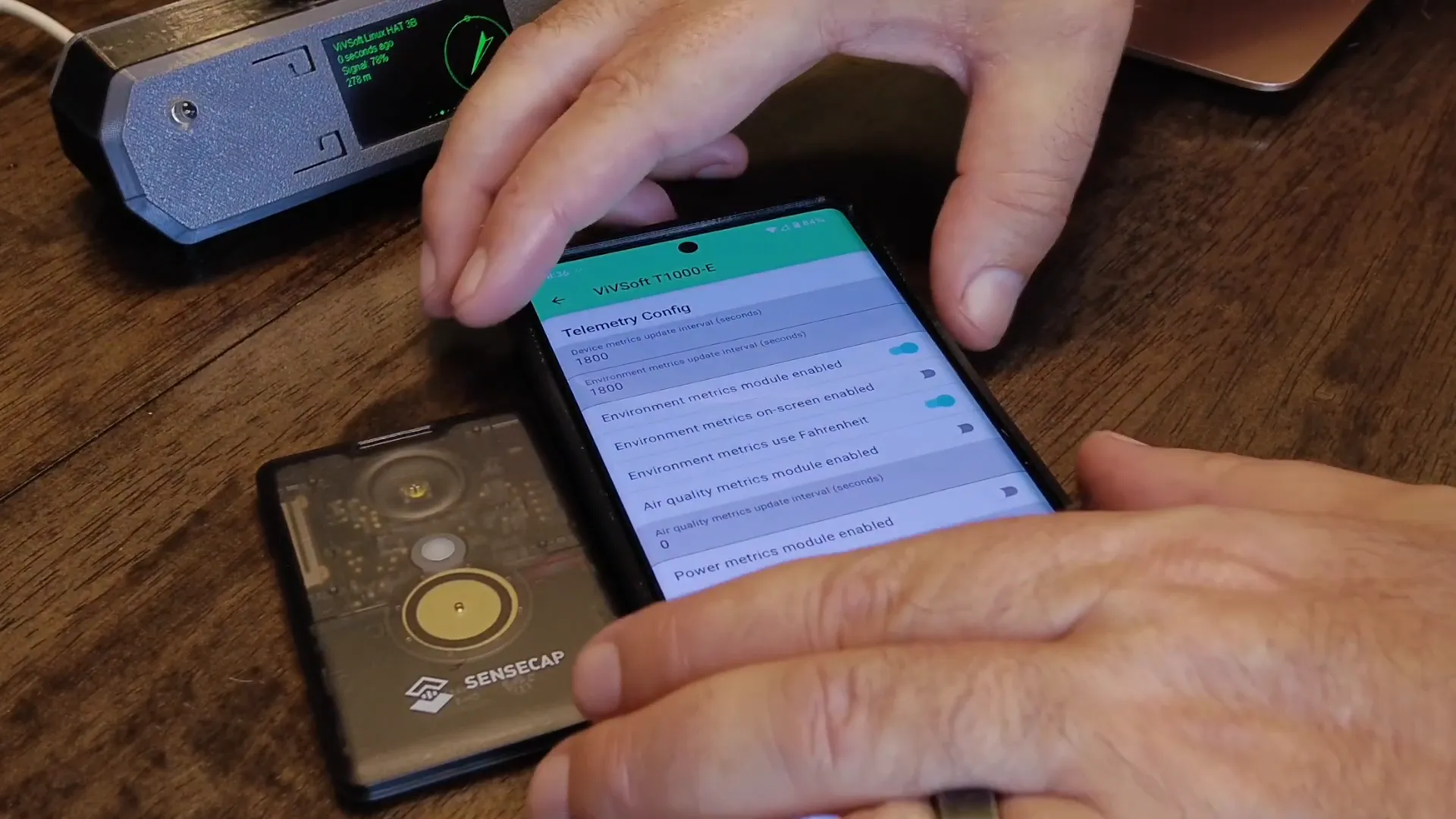
To make the most of these sensors, you'll need to enable environmental metrics in the app. It's as simple as going to radio configuration and turning on telemetry. Users can customize settings like temperature units and refresh rates to suit their preferences.
Heartbeat LED Indicator
The device features a small heartbeat LED indicator on the front. While it's a fun feature, you might want to turn it off to avoid looking like a space cadet while wearing it. You can easily disable this feature through the device settings.
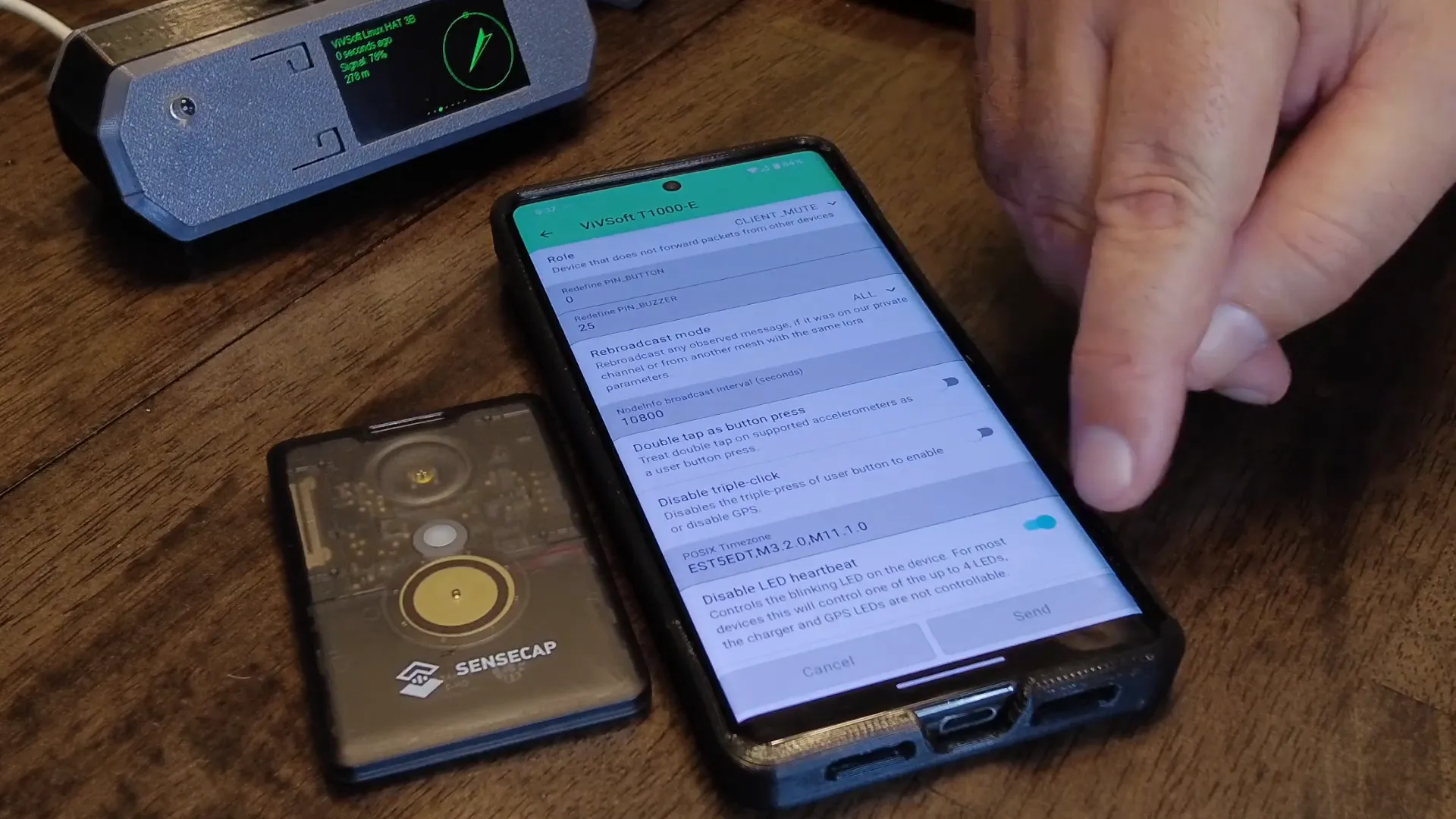
GPS Navigation System
GPS functionality is one of the coolest aspects of the SenseCap T1000E. To activate the GPS, simply press the button three times. The device will start reporting GPS data, which is essential for tracking your location accurately.
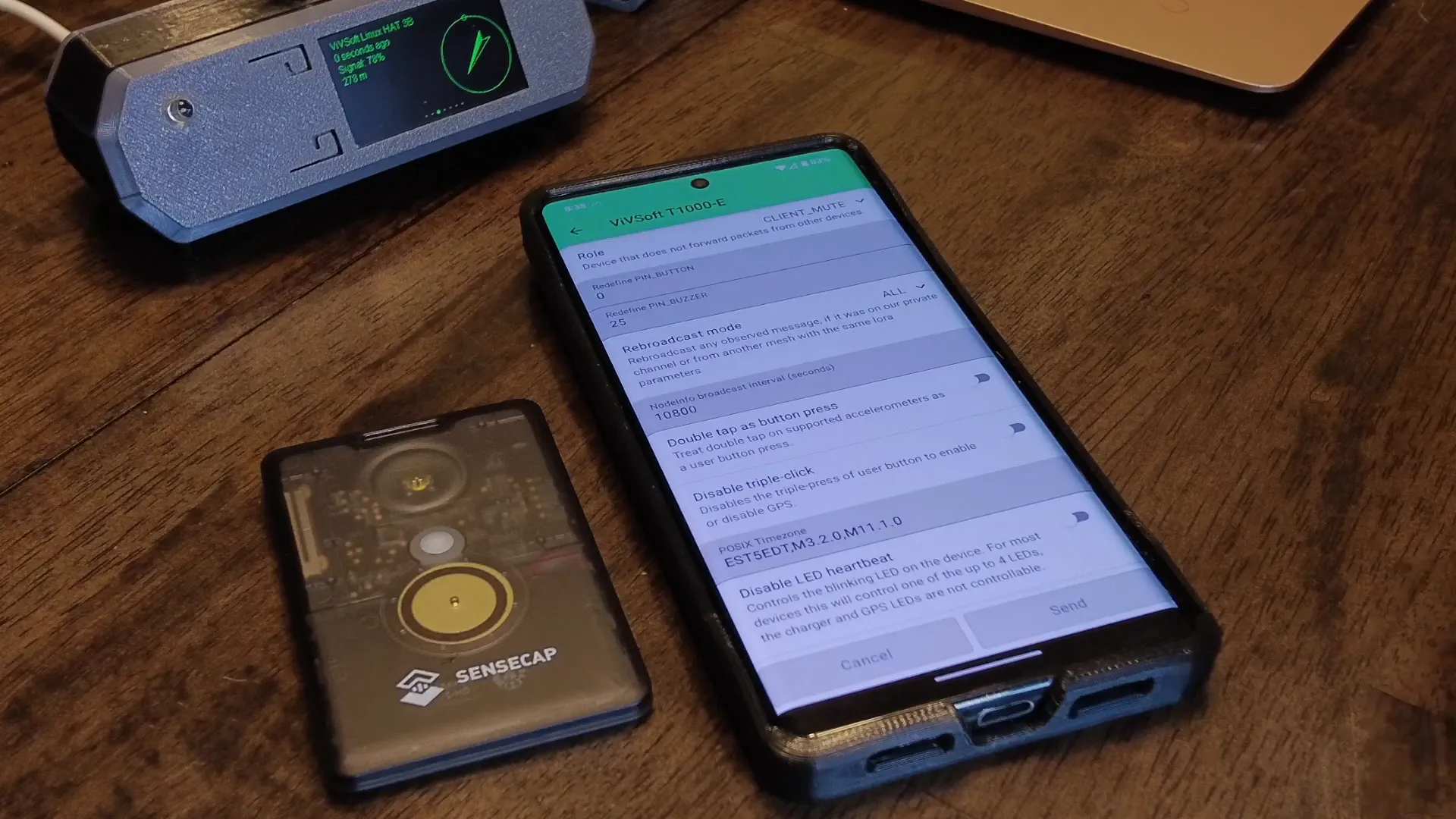
Tracking Capabilities
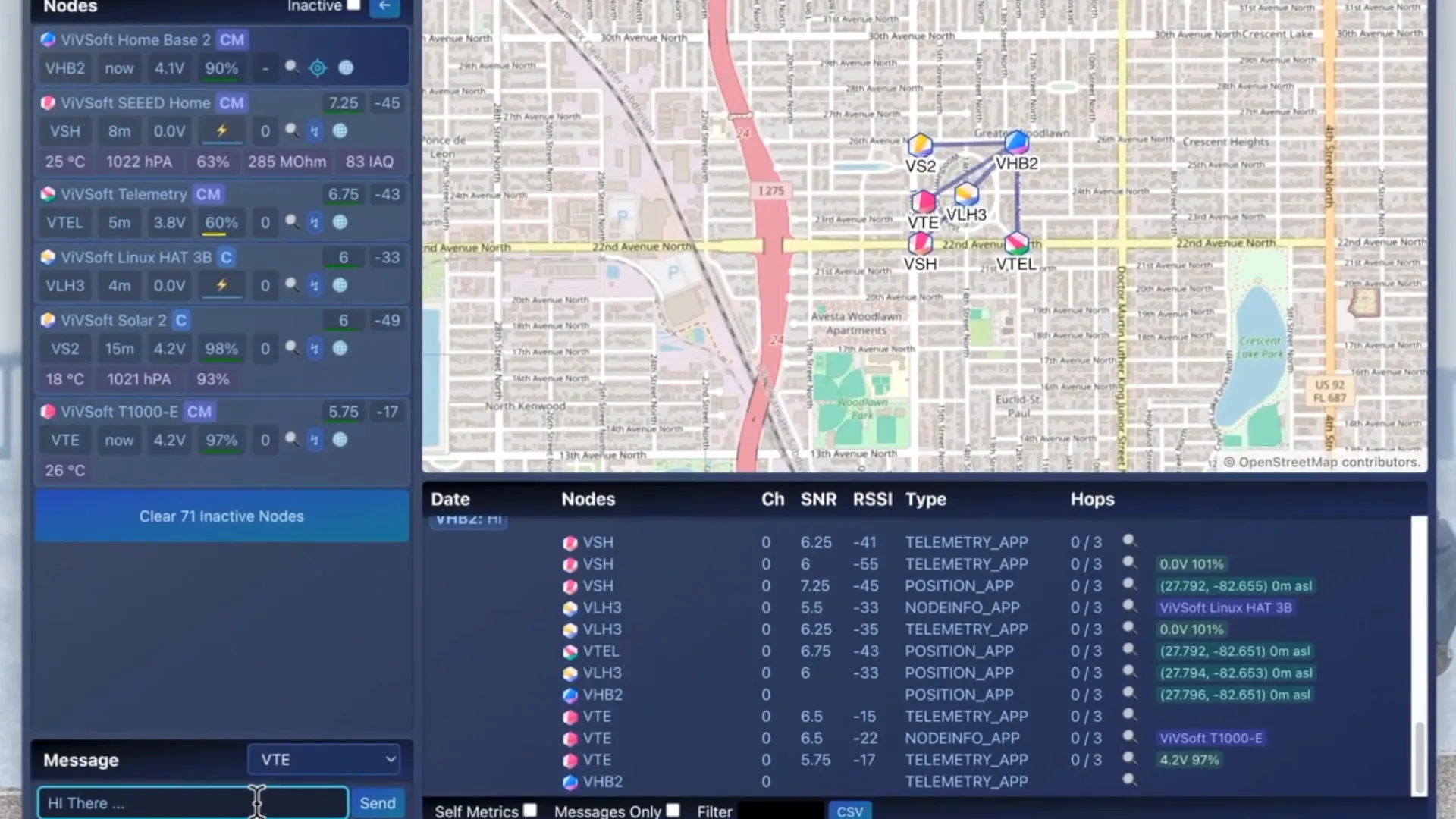
With built-in GPS, the tracking capabilities of the SenseCap T1000E are impressive. You can view your walking routes and locations on the node map, allowing you to keep track of your adventures. It's a great feature for hikers and explorers who want to retrace their steps or share their routes.
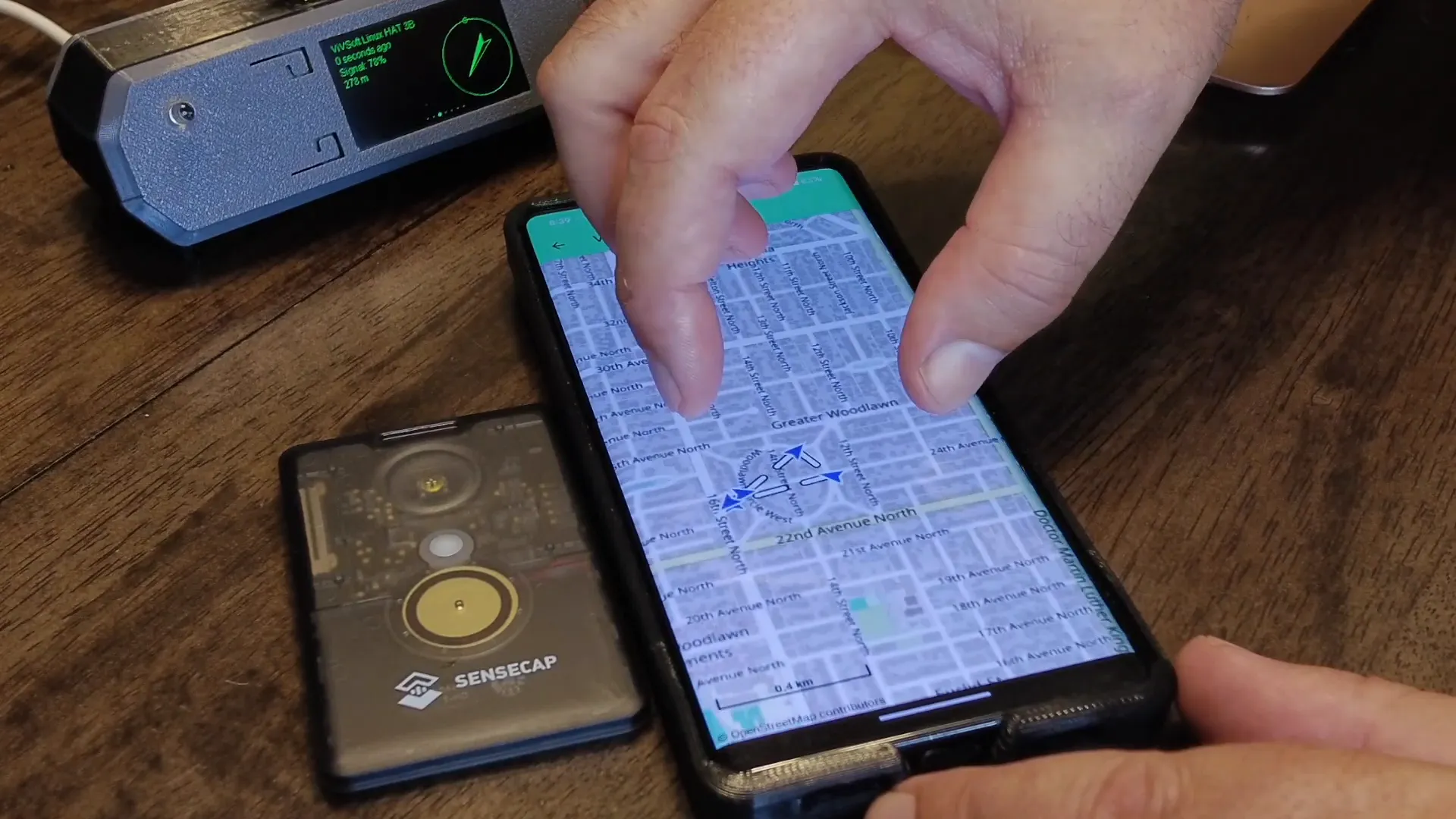
Node Information Overview
Like other Meshtastic nodes, the T1000E can send out node information packets. By pressing the button twice, you broadcast your presence to nearby nodes. However, keep in mind that this feature can only be activated once every ten minutes to conserve battery.
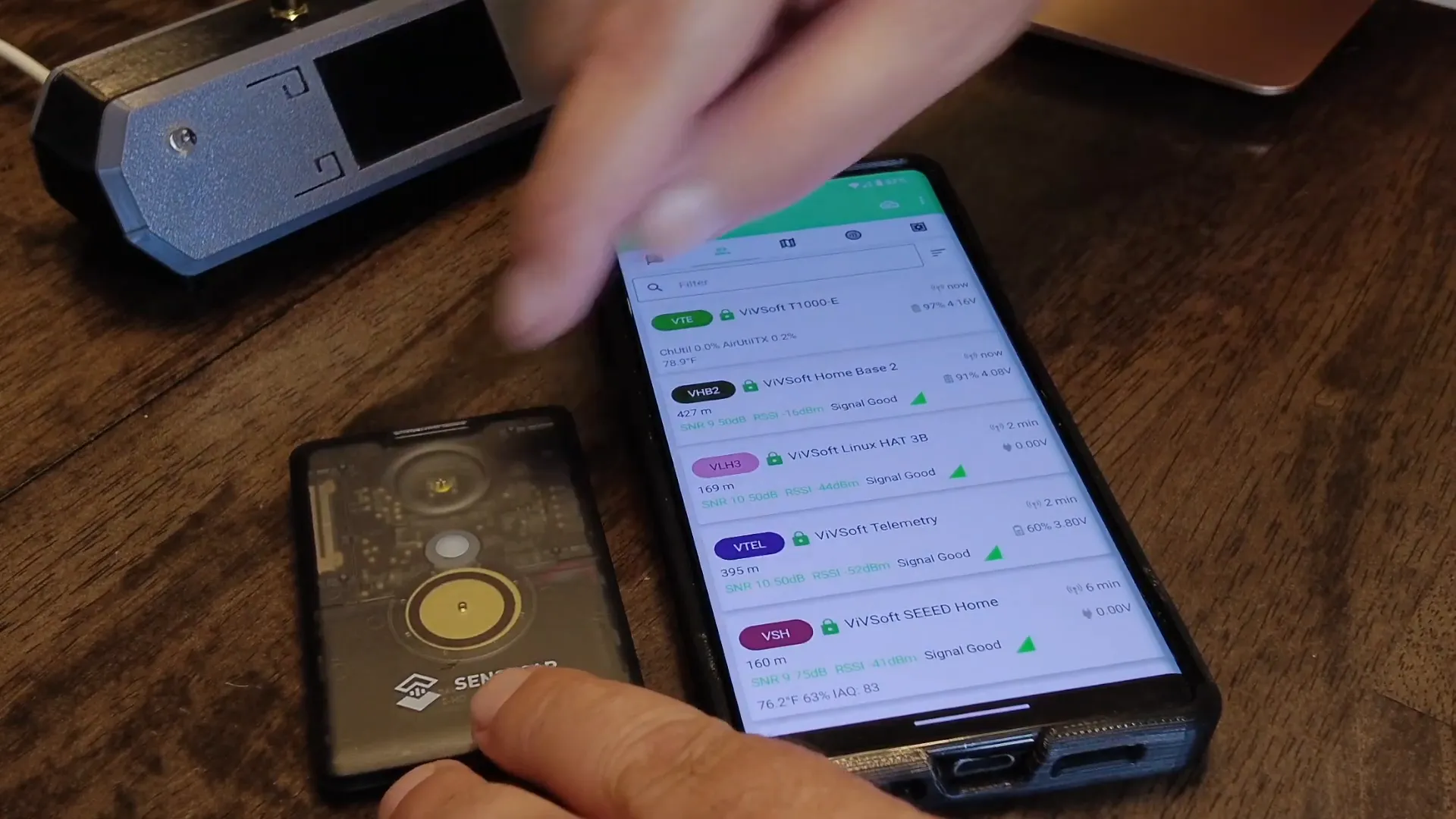
PWM Speaker and Custom Notifications
One of the standout features of the SenseCap T1000E is its PWM speaker. This allows for customizable notification sounds using RTTTL strings. You can set unique sounds for different notifications, making it more personalized and fun to use.
Practical Usage Tips
When using the SenseCap T1000E, it's essential to keep in mind a few practical tips. First, if you're going on a long hike or outdoor adventure, always keep the GPS turned off when not in use to save battery. Second, familiarize yourself with the app to make full use of its features.
Conclusion
The SenseCap T1000E is a fantastic addition to the Meshtastic lineup, offering a blend of functionality, portability, and fun. Whether you're tracking your hikes, monitoring environmental conditions, or simply enjoying the tech, this device has something to offer everyone. Don't miss out on the opportunity to explore the world of Meshtastic with this innovative tracker!
RTTTL Code for Star Wars:
d=4,o=5,b=180:8f,8f,8f,2a#.,2f.6,8d#6,8d6,8c6,
2a#.6,f.6,8d#6,8d6,8c6,2a#.6,f.6,8d#6,8d6,8d#6,2c6,p,8f,8f,8f,2a#.,
2f.6,8d#6,8d6,8c6,2a#.6,f.6,8d#6,8d6,8c6,2a#.6,f.6,8d#6,8d6,8d#6,2c6
FAQs
1. How do I charge the SenseCap T1000E?
Use the provided magnetic charging cable to connect to the device. It takes a few hours to fully charge.
2. Is the SenseCap T1000E suitable for swimming?
No, while it is waterproof (IP65), it can handle rain and sweat but is not meant for submersion in water.
3. How do I enable the GPS feature?
Press the button three times to activate the GPS. You can deactivate it the same way to conserve battery.
4. Where can I purchase the SenseCap T1000E?
You can find it on Amazon.com or check out other options at Meshtastic Devices - LoRaMeshDevices.com.