
Meshtastic: A Deep Dive into the T-Deck Plus
Published by Vivian van Zyl in Meshtastic the 03/05/2025 at 07:01 pm

Welcome to the exciting world of Meshtastic, where we explore the innovative T-Deck Plus and its capabilities. This guide will walk you through its features, setup, and how you can leverage this device for your IoT and communication needs.
Table of Contents
- Unboxing the T-Deck Plus
- Initial Setup
- Understanding the Features of Meshtastic 2.6
- GPS Functionality
- Advanced Tools and Features
- Conclusion
- Frequently Asked Questions (FAQ)
Unboxing the T-Deck Plus
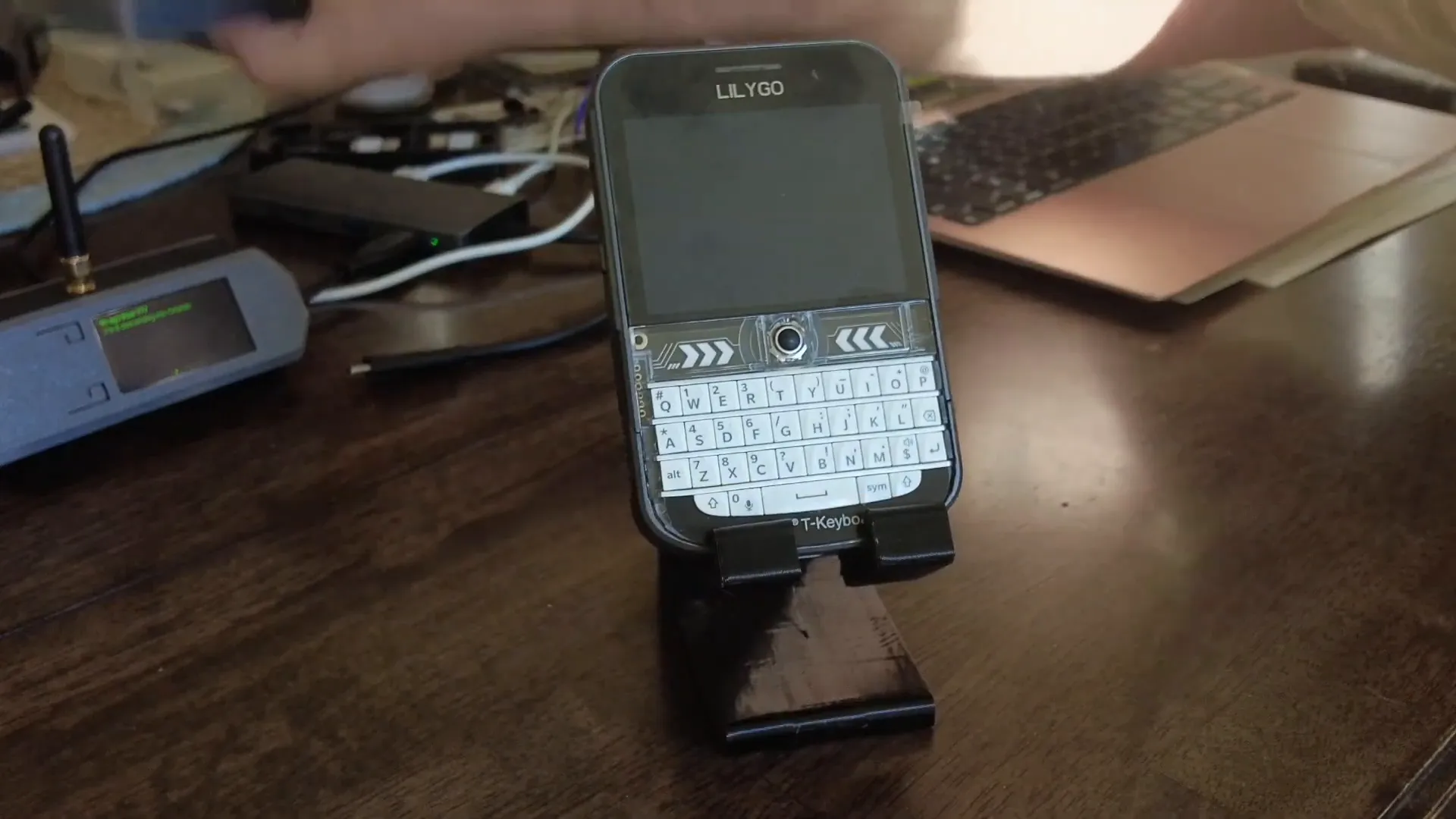
Let’s start with the T-Deck Plus itself. This device comes in a sleek case, which is a notable upgrade from its predecessor. It features built-in GPS, a reset button, and even a trackball for navigation. I was eager to power it up for the first time, and here’s how it went.
Initial Setup
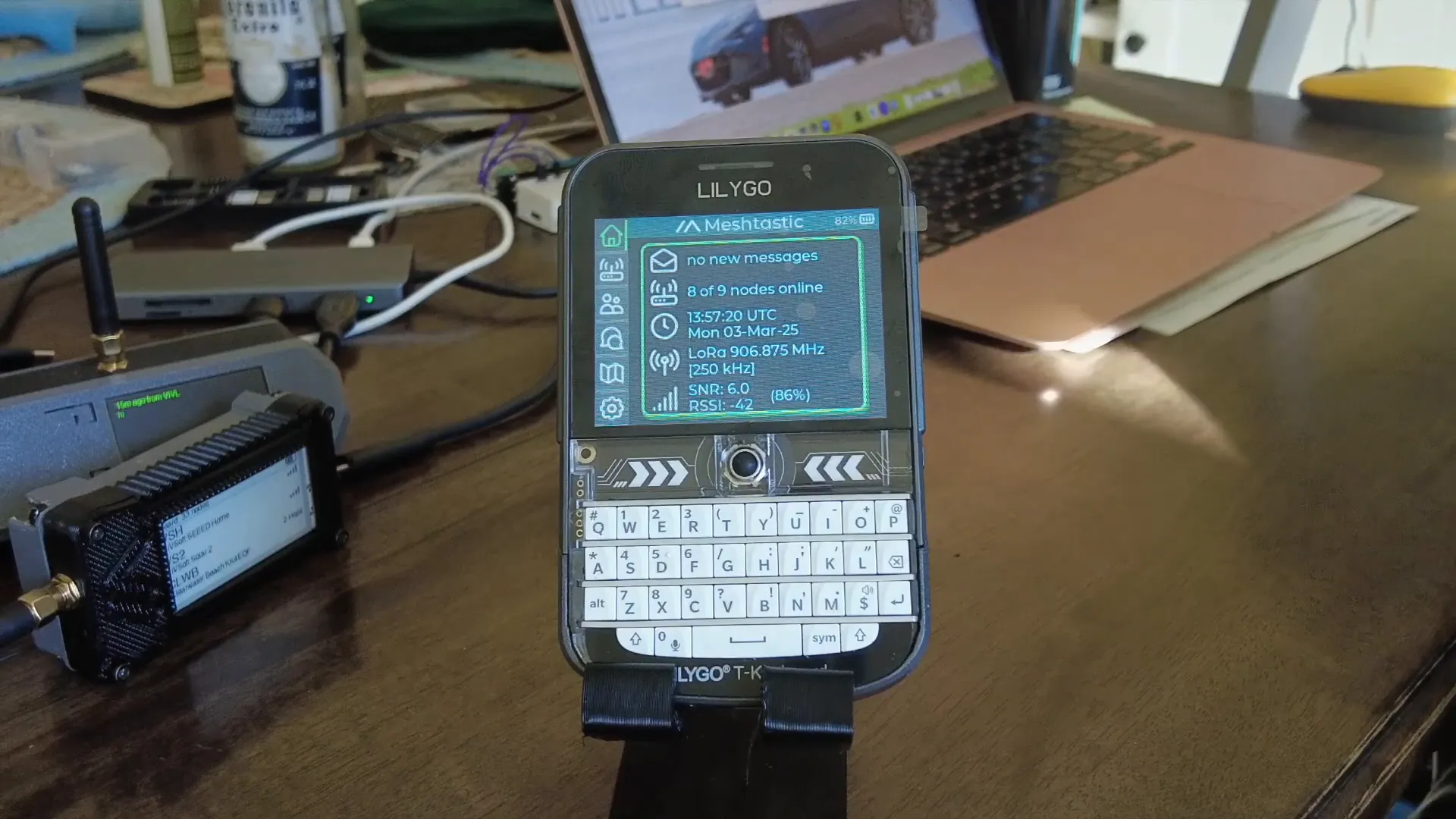
After connecting the T-Deck Plus to a USB power source, I was greeted with the Meshtastic GUI, albeit the older version. The touch screen is responsive, allowing you to navigate easily. However, I was keen on loading the new Meshtastic 2.6 user interface (UI) without any hassles.
The T-Deck Plus requires a cell phone for the initial setup with the old UI, but I opted for the new UI that promises a more streamlined experience. This update allows you to load the UI directly from your PC, simplifying the process significantly.
Loading the New UI
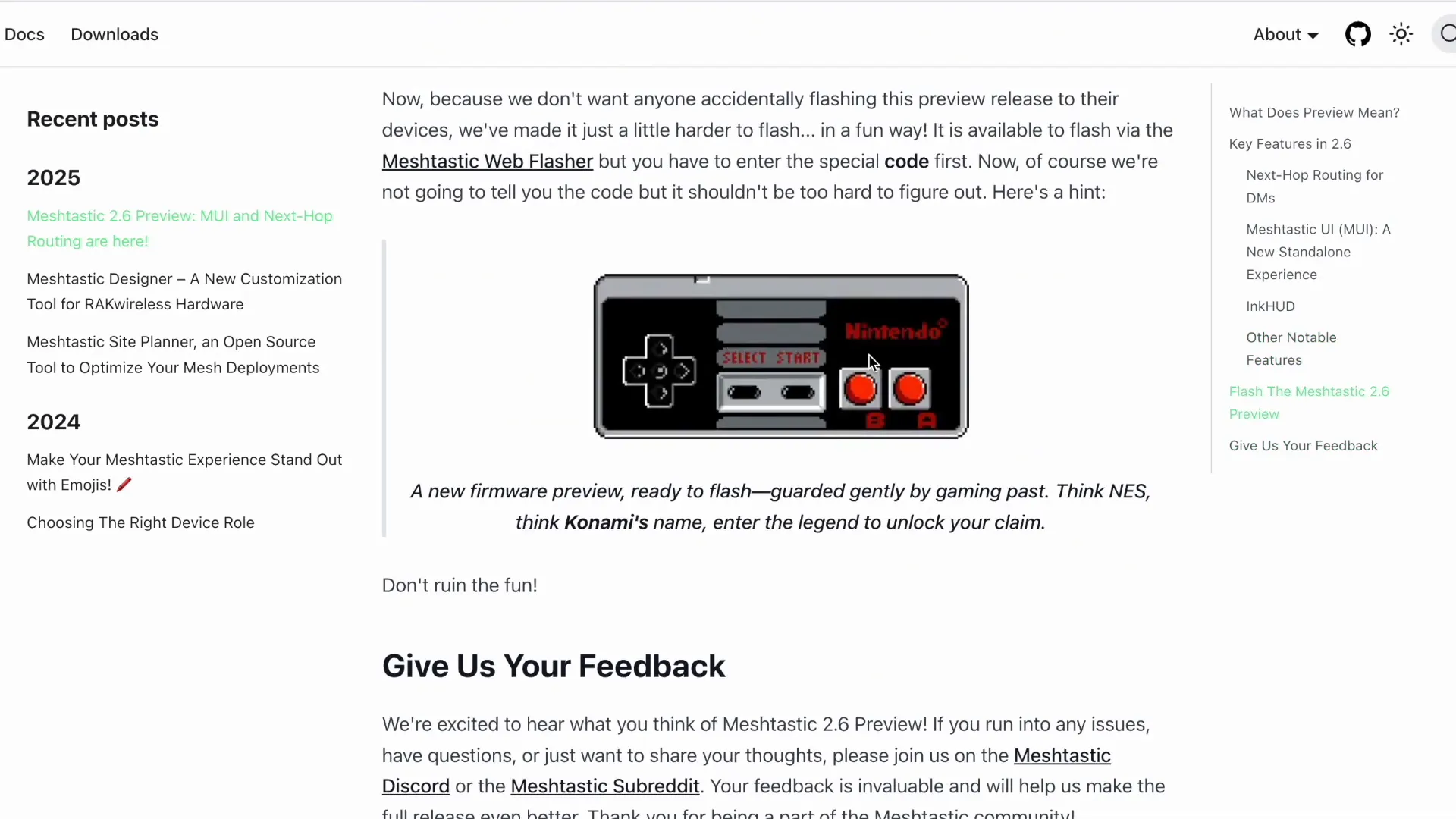
To get started with the new Meshtastic 2.6 UI, I accessed the flasher tool. This tool provides a user-friendly interface to flash the firmware onto your device. After selecting my device type, I was prompted to perform the Konami code to unlock the latest features.
Understanding the Features of Meshtastic 2.6
The Meshtastic 2.6 release brings several enhancements, particularly in how devices communicate with one another. One of the standout features is the more intelligent discovery of nodes. Instead of broadcasting messages to all nodes, it remembers previous routes, significantly reducing network traffic.
This version also introduces a standalone experience, allowing users to configure their devices without needing a smartphone. This is a game-changer for those looking to utilize Meshtastic in remote areas or during outdoor adventures.
Exploring the InkHUD
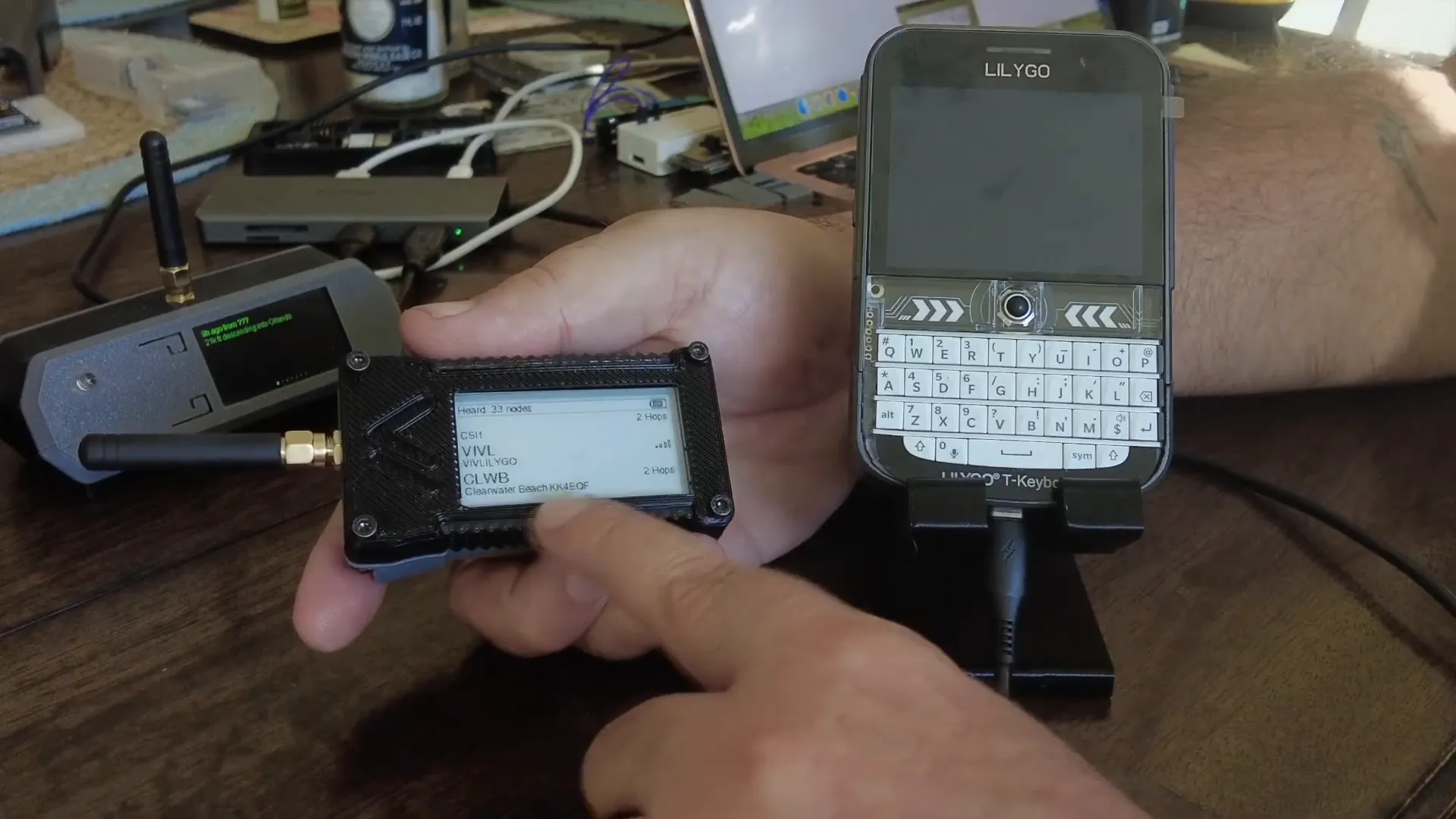
Another exciting feature is the InkHUD, which is designed for devices with e-ink displays. If you have a compatible device, you can load the InkHUD to enjoy a live display of messages and channels. The InkHUD is still under development, but it shows great promise for users who prefer e-ink technology.
GPS Functionality
Setting up the GPS on the T-Deck Plus was straightforward. I navigated to the GPS settings, pressed the button, and rebooted the device. The GPS functionality is integrated seamlessly, allowing for real-time tracking and mapping.
Configuring Alerts and Notifications
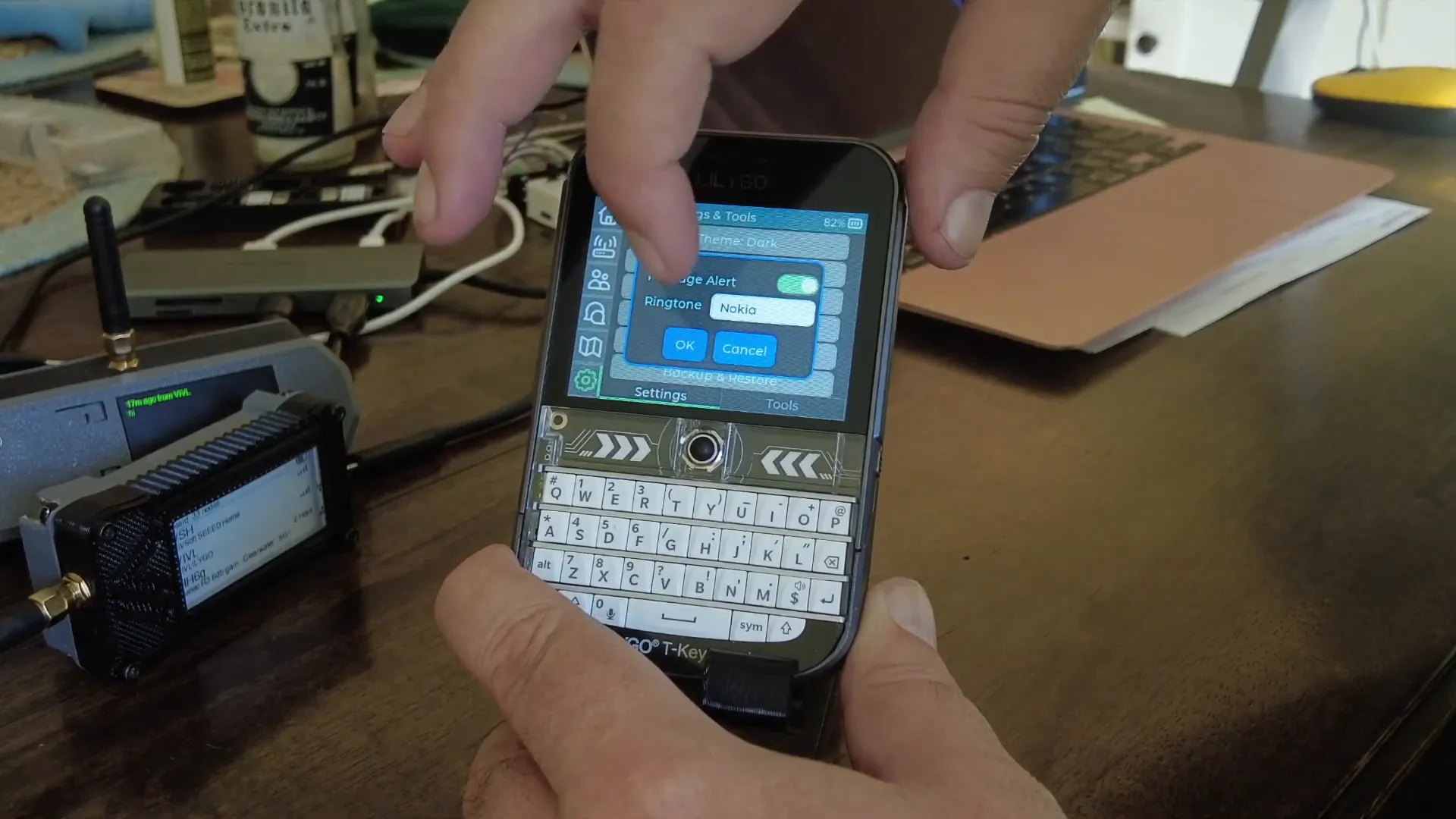
The device also allows you to customize your message alert sounds. I opted for the classic Nokia ringtone, which adds a nostalgic touch to the modern tech. You can also modify screen brightness, timeout settings, and even change your region and device name directly from the UI.
Advanced Tools and Features
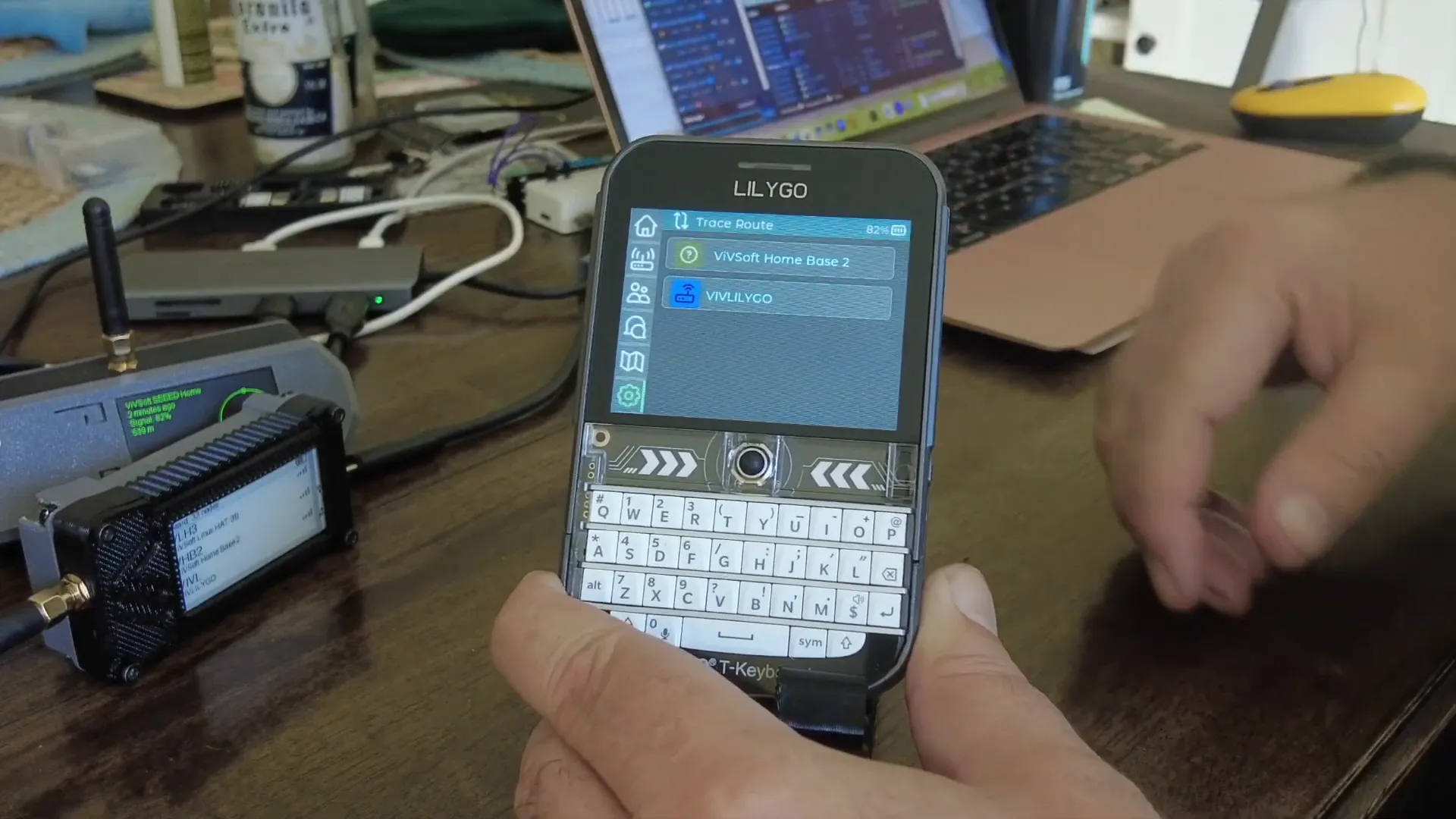
One of the most impressive aspects of the T-Deck Plus is its built-in tools for network analysis. You can perform a mesh detection scan to identify nearby nodes, check signal strength, and even conduct trace routes to monitor your device’s connectivity.
These tools are invaluable for ensuring a robust mesh network, especially in areas with challenging communication conditions. The packet log feature allows you to analyze data packets transmitted across the network, giving you deeper insights into your communication setup.
Conclusion
The T-Deck Plus is a remarkable addition to the Meshtastic ecosystem. Its combination of a user-friendly interface, powerful features, and advanced tools make it an excellent choice for anyone looking to enhance their off-grid communication capabilities. Whether you're a tech enthusiast or just getting started with IoT, the T-Deck Plus offers something for everyone.
Frequently Asked Questions (FAQ)
What is Meshtastic?
Meshtastic is an open-source project that uses low-cost LoRa radios to create an off-grid communication network, ideal for areas with little or no cellular service.
How do I flash the T-Deck Plus with the new UI?
You can flash the new UI using the Meshtastic flasher tool. Simply select your device, follow the prompts, and make sure to perform the Konami code to unlock the latest features.
Can I use the T-Deck Plus without a smartphone?
Yes! The new Meshtastic 2.6 UI allows you to configure and manage your device without needing a smartphone, making it more versatile for remote operations.
Where can I purchase the T-Deck Plus?
You can purchase the T-Deck Plus from various online retailers, including Loramesh Devices.
What are the main features of the T-Deck Plus?
The T-Deck Plus features built-in GPS, a touch screen, a reset button, and a trackball for navigation. It also supports advanced tools for network analysis and configuration.
In conclusion, the T-Deck Plus is a powerful tool for anyone interested in off-grid communication and IoT technologies. With its innovative features and user-friendly interface, it truly stands out in the Meshtastic lineup.